
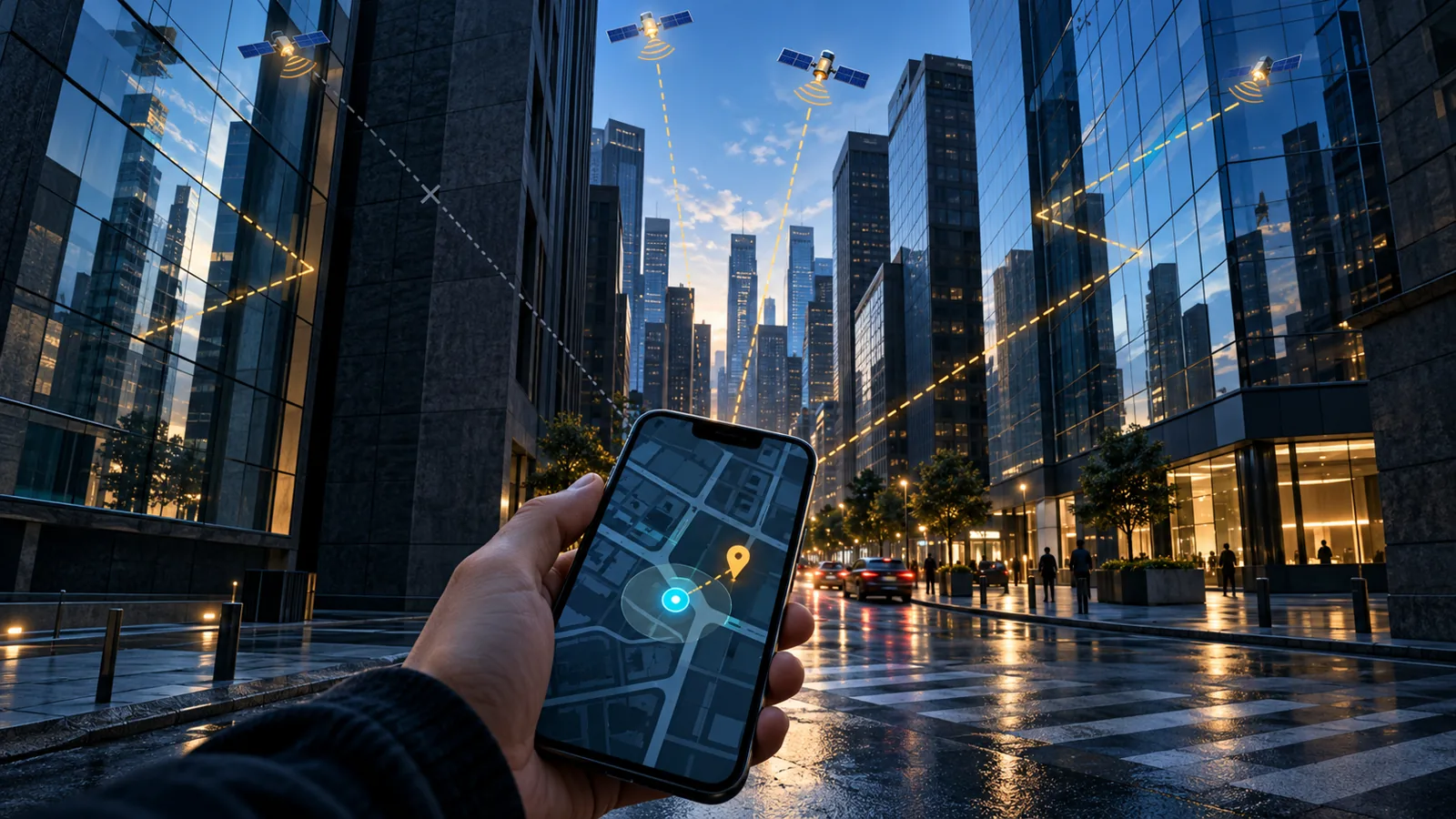
A smartphone’s GPS is useful for finding your way, but the blue dot on a map is not a perfect measurement of your position. In open surroundings, the receiver can get a clearer view of satellites; between tall buildings, indoors or when the phone is covered, the estimate can drift or take longer to settle. What a map displays also depends on its map data and network connection, not GPS alone.
How accurate can it be?
Apple explains that accuracy depends on how many GPS satellites are visible and can improve gradually as the device locates them. Walls, vehicle roofs, tall buildings, mountains and other obstructions can block satellite signals; until they are visible again, an iPhone may use Wi-Fi or cellular networks to determine its position. Apple — Privacy and Location Services.
The receiver needs a view of enough satellites, and the estimate may take time to settle. On a narrow street, signals can reflect off buildings or be blocked, putting the dot on the wrong block or making it jump as you move. Indoors, satellite signals are often weak, so the phone may show only an approximate position or rely more on other sources.
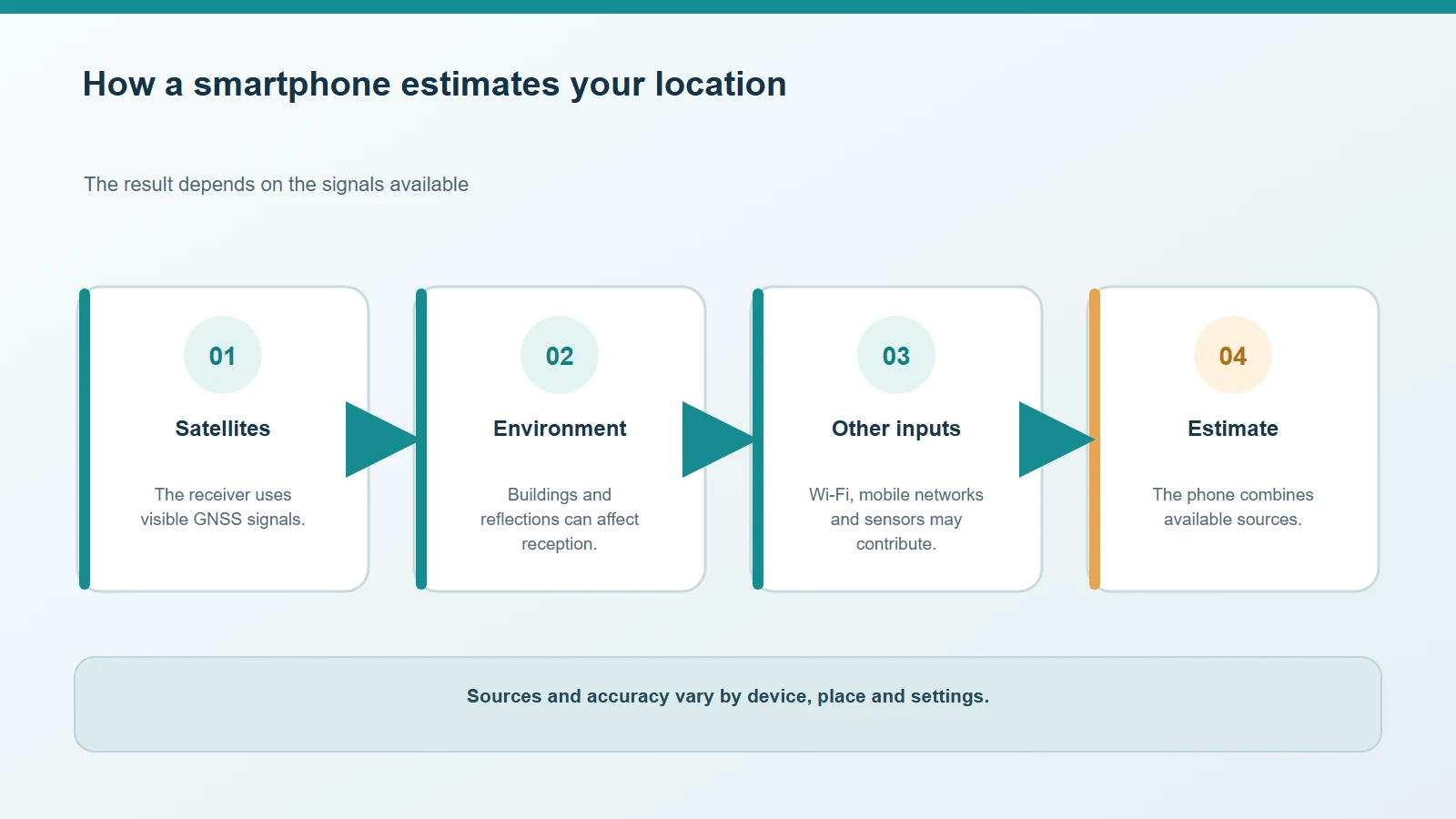
The blue dot is an estimate that can combine satellite signals with other available inputs.
GPS and a phone’s location are not the same thing
People often say “GPS”, but Android and iPhone can combine satellite signals with Wi-Fi, mobile networks and device sensors. Google explains that Android Location Accuracy can use available Wi-Fi and mobile networks, GPS and sensors to estimate a phone’s position. Apple similarly describes Location Services as using cellular, Wi-Fi, GPS and Bluetooth information. Google — Location Accuracy, Apple — Privacy and Location Services.
This can help when the sky is blocked, but it does not turn an estimate into an exact coordinate. A compass can also be affected by magnetic objects or by how you hold the phone. If the dot has a large circle around it or the direction arrow points the wrong way, wait outside for a moment, move clear of obstructions and follow the app’s instructions for recalibrating the compass.
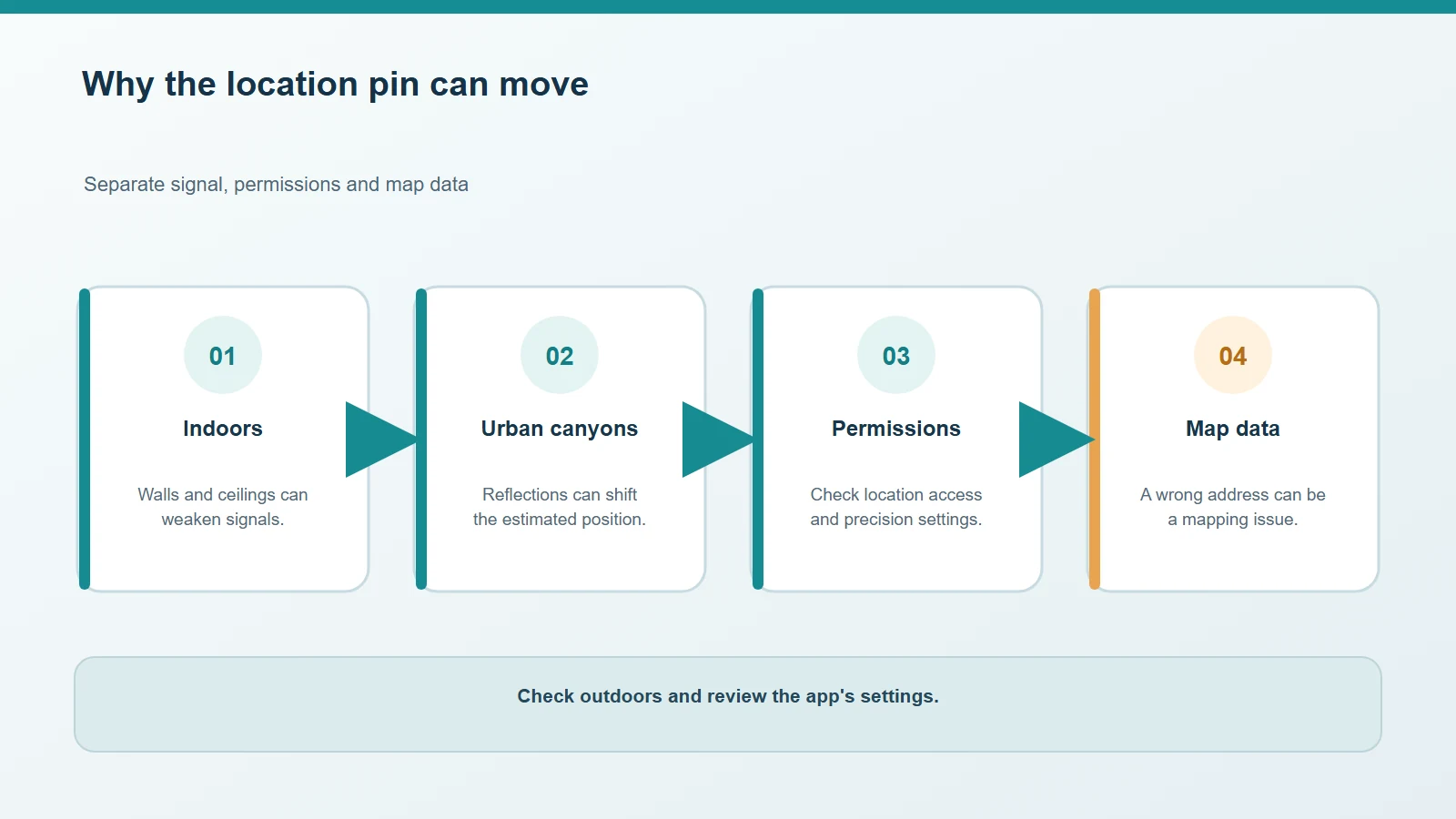
Buildings, reflected signals and limited permissions can make the displayed position less precise.
What to check on Android and iPhone
On Android, make sure Location is on and review “Location Accuracy” or the similarly named setting. Menu labels and paths vary by manufacturer and Android version. Google explains that Android can combine Wi-Fi, mobile networks, GPS and sensors. On Android 12 and later, when an app requests precise location, you can grant it approximate location only. Google’s Location Accuracy guide, Android location permission documentation.
On iPhone, open Settings > Privacy & Security > Location Services and check the app’s access. You can choose whether an app receives your precise location or only an approximate one. Apple notes that buildings, vehicle roofs and other obstructions can block satellite visibility and reduce accuracy. Apple — Control the location information you share on iPhone.
Downloading maps before a trip helps you view map data without a connection, but it does not by itself improve satellite reception. For travel preparation, see our guide to using maps offline.
When not to trust the dot
For walking around a familiar area, an error of a few metres may not matter. For a road exit, an entrance inside a large building or a trail junction, compare the map with signs and your actual surroundings. If the app places you on the other side of a wall or road, stop and give the estimate time to update instead of following the arrow blindly.



Comments
Comments
Join the discussion respectfully: reasoned criticism is welcome; avoid threats, abuse, personal data and promotional links.
To join the discussion, you'll need to sign in with your WordPress.com account. This feature will be available when the site launches.