
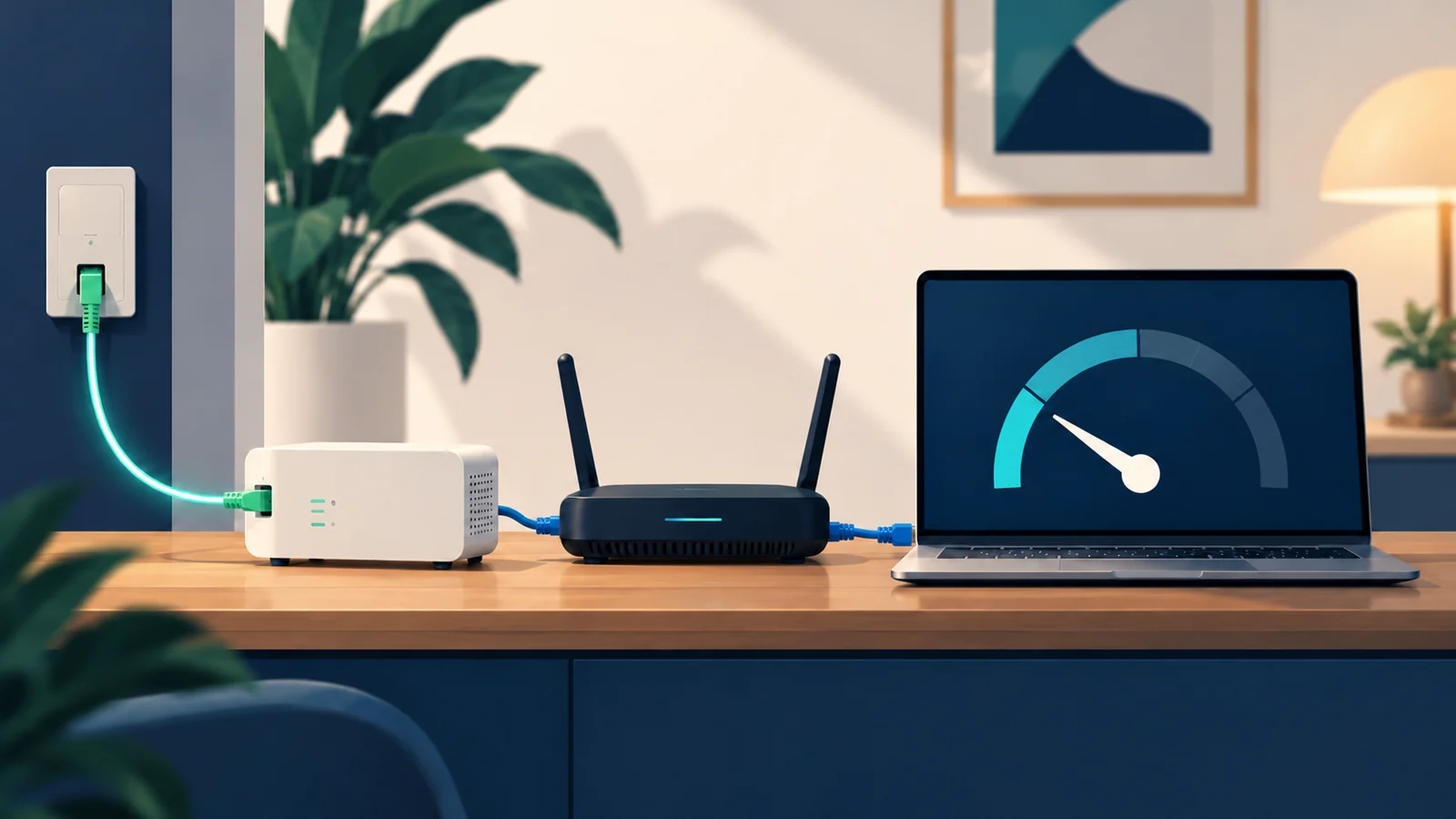
When a fiber connection feels slow, start by separating two questions: how the home network is performing right now, and whether the provider is meeting the speeds stated in the contract. A wired computer check helps with the first. For a formal check of a fixed-line service, a browser speed test is not enough: AGCOM’s MisuraInternet project provides Ne.Me.Sys., which produces a certified measurement.
The distinction matters if you are already familiar with why a 2.5 Gbps fiber plan may not deliver that figure to every device. This article focuses on choosing the right measurement and understanding what its result can—and cannot—show.
Separate the home network from the contract
Open the terms for your plan and find the minimum, normally available and maximum download and upload speeds. The headline speed is not automatically the contractual minimum. AGCOM says providers must disclose the minimum transmission speed in both directions, and that figure is a contractual commitment. AGCOM — The MisuraInternet project.
Also note the equipment in use, whether the computer connects to the router over Ethernet or Wi-Fi, and the time of the test. The first check is not a benchmark; it is a way to see whether the result changes when you reduce variables in your home network.
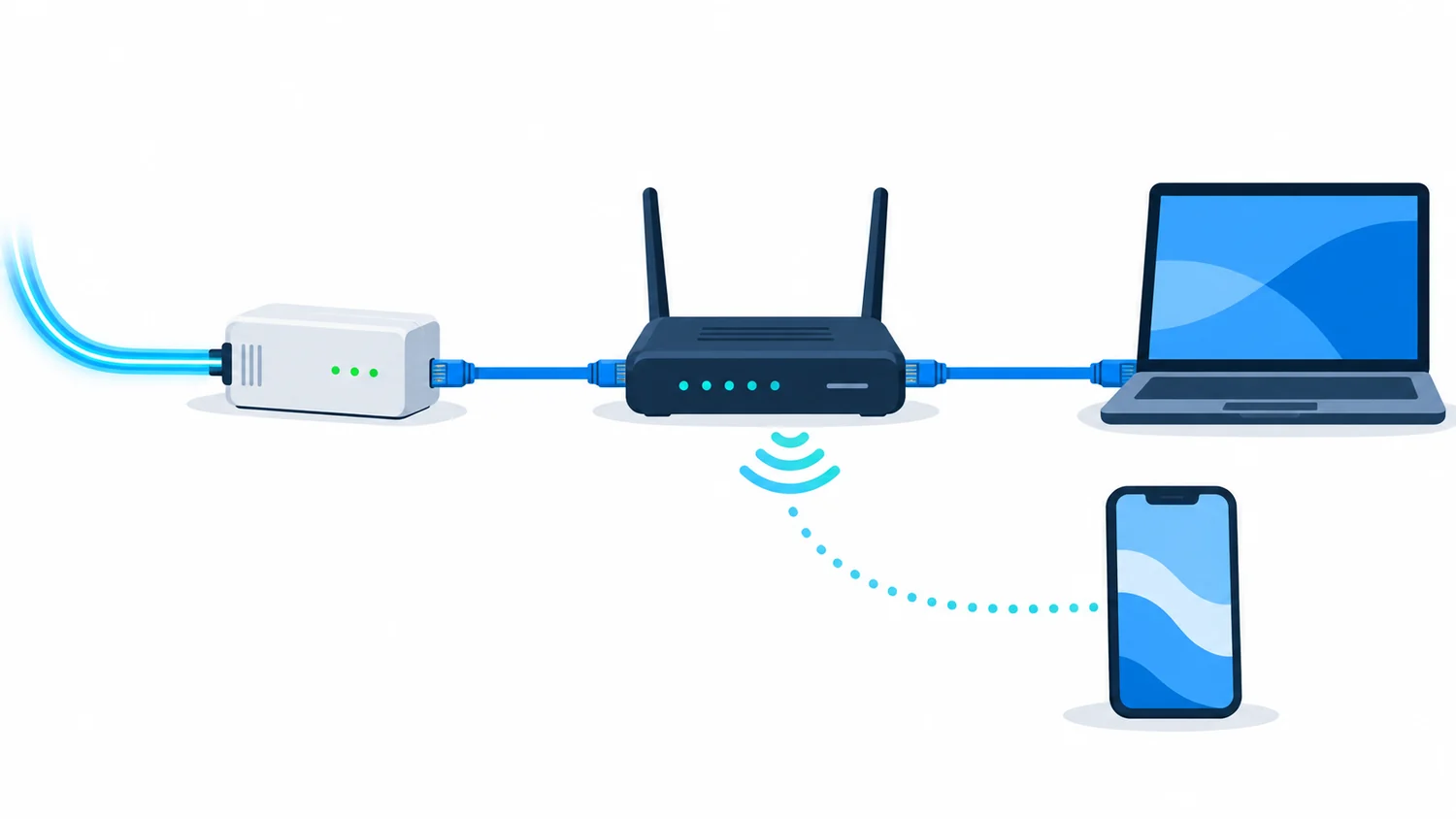
An Ethernet check follows a different path from a phone connected over Wi-Fi.
Run a quick wired check
Connect a computer to the router with an Ethernet cable, pause downloads and streaming on other devices, and run the test a couple of times a few minutes apart. If the wired result is steady while Wi-Fi varies sharply from room to room, the home network or device may be the limiting factor; that alone does not show that the FTTH line is faulty.
For a useful comparison, use the same computer and, where possible, the same testing service. Record the date, time, connection type, download, upload and latency. Check that the network adapter, cable and router port can handle the speed of your plan: a limited port can cap the result for one device.
For a broader explanation of why devices can report different speeds, see our guide to real-world limits on a 2.5 Gbps FTTH plan.
What a speed test can tell you
MisuraInternet’s browser-based Speed Test is an official quick check of connection quality at the time you run it. It measures latency, jitter, download and upload. That makes it useful for a snapshot, but the result does not describe every part of the connection. AGCOM — The online Speed Test.
The official page distinguishes this quick measurement from Ne.Me.Sys. and states that a Speed Test result is not proof of a breach of contract. A low result is therefore a clue to investigate, not an automatic diagnosis. If you want to isolate Wi-Fi, compare wired and wireless checks while keeping the other conditions the same.
When to use Ne.Me.Sys.
If you have a fixed-line service and need to compare its quality with the contractual figures, follow the current Ne.Me.Sys. instructions on MisuraInternet. The official software provides a certified measurement and a certificate of results. Its measurement servers are placed at the network exchange points specified by AGCOM so the test can assess the provider’s responsible network segment. AGCOM — Certified measurement with Ne.Me.Sys..
This takes more preparation than a browser test. MisuraInternet’s instructions call for a computer connected to the modem by Ethernet, Wi-Fi between the computer and modem switched off, other computers and IPTV/VoIP services switched off if present, and other applications kept to a minimum. A session can take up to three days. Check the current software instructions before starting, since installation and requirements can change.

A quick test is a snapshot; Ne.Me.Sys. follows a procedure for certified fixed-line measurement.
If the certificate shows lower results
Compare the certificate with the figures in your signed plan, not with its advertised maximum. MisuraInternet’s current procedure says to send a complaint to the provider within 30 days of the date shown on the certificate. The same page explains when a second measurement may be taken if the issue is not resolved and what steps follow. AGCOM — The certificate and complaints.
Before sending documents or challenging a bill, check the latest official instructions and your contract: the certificate contains the account holder’s and line’s identifying details. Keep the PDF secure and share it only through the channels named by the provider or the project.



Comments
Comments
Join the discussion respectfully: reasoned criticism is welcome; avoid threats, abuse, personal data and promotional links.
To join the discussion, you'll need to sign in with your WordPress.com account. This feature will be available when the site launches.