
A new router is worth buying when it fixes a real problem: weak coverage, too many active devices, demanding transfers across your home network or an Internet plan that the old equipment cannot fully use. A bigger number on the box does not guarantee a faster connection in every room.
Wi-Fi 6, 6E and 7 in plain English
Wi-Fi 6 is based on IEEE 802.11ax and uses the 2.4 and 5 GHz bands. Wi-Fi 6E extends that same generation into 6 GHz. Only 6E-compatible routers and clients can use that band: a Wi-Fi 6 phone can still connect to a 6E router, but it will not use 6 GHz. In the European Union, the Commission harmonised 480 MHz of additional spectrum for Wi-Fi; radio rules and availability still depend on the country where the equipment is used (Cisco, European Commission).
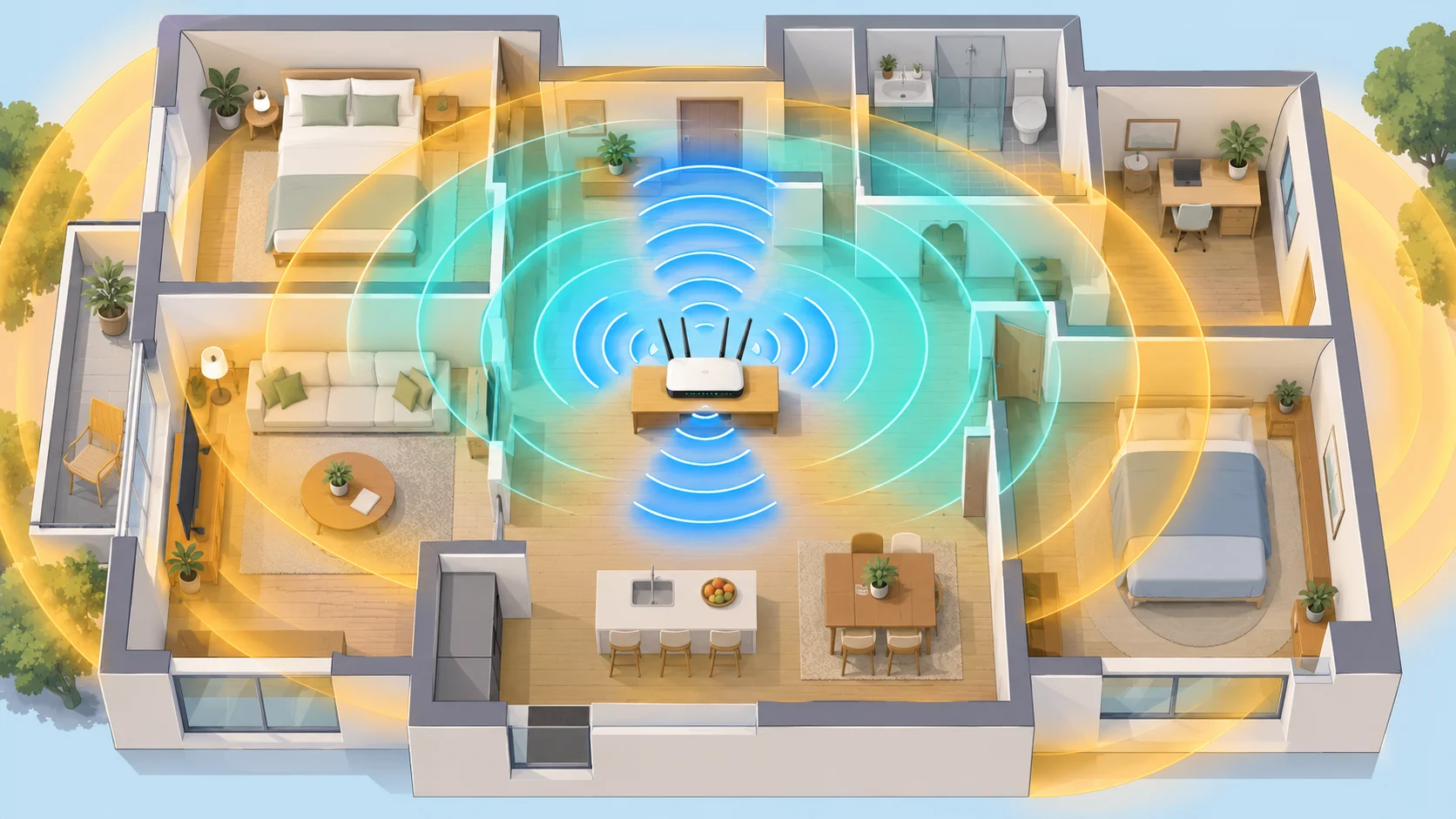
Wi-Fi 7 is based on IEEE 802.11be and can operate on 2.4, 5 and 6 GHz. One new feature is Multi-Link Operation (MLO), designed to aggregate links or manage a switch between compatible links. The standard also allows channel widths up to 320 MHz, but that option is limited to 6 GHz: check the specifications for both your router and devices (HPE Aruba).
Your connected devices set the ceiling
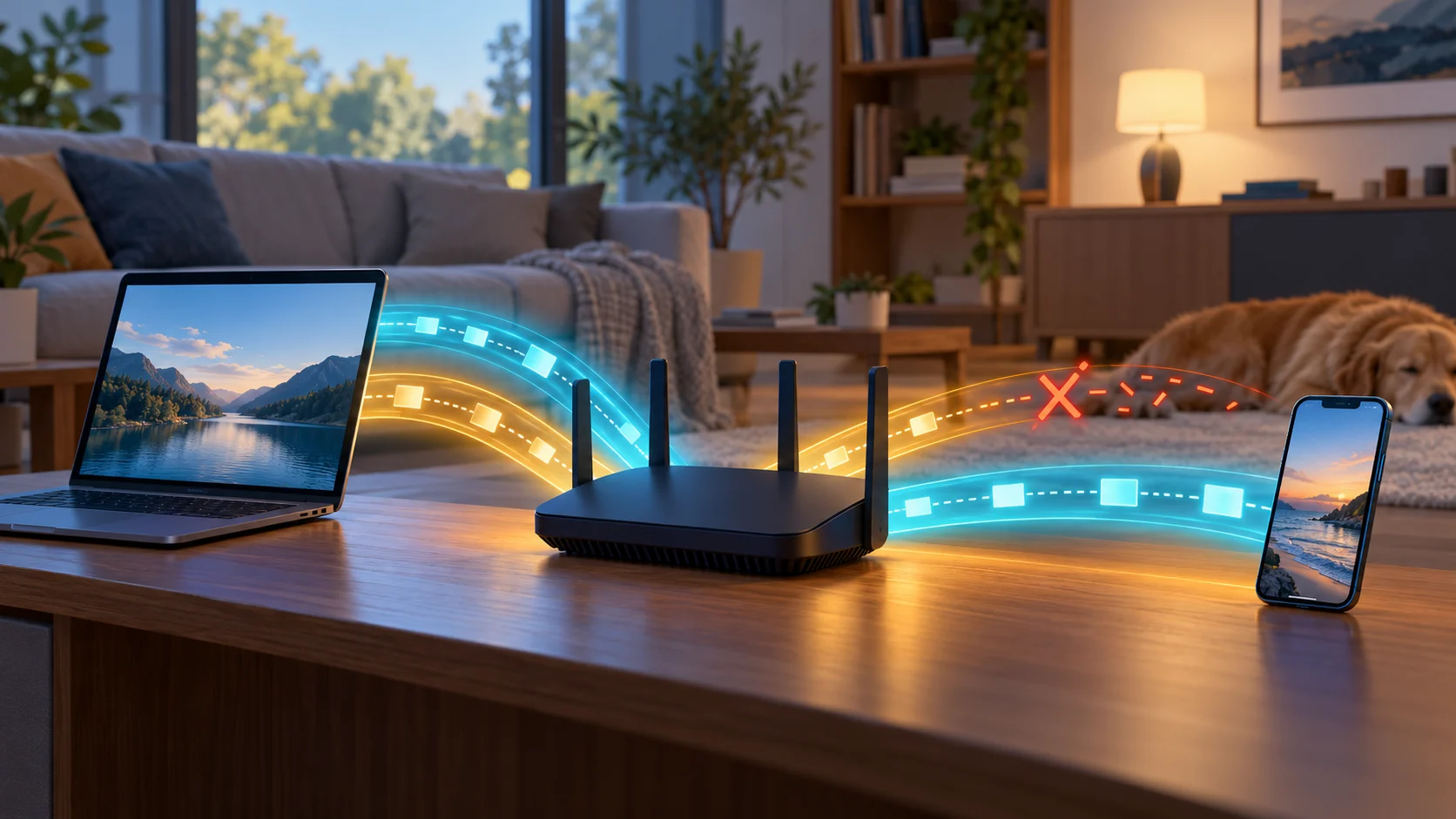
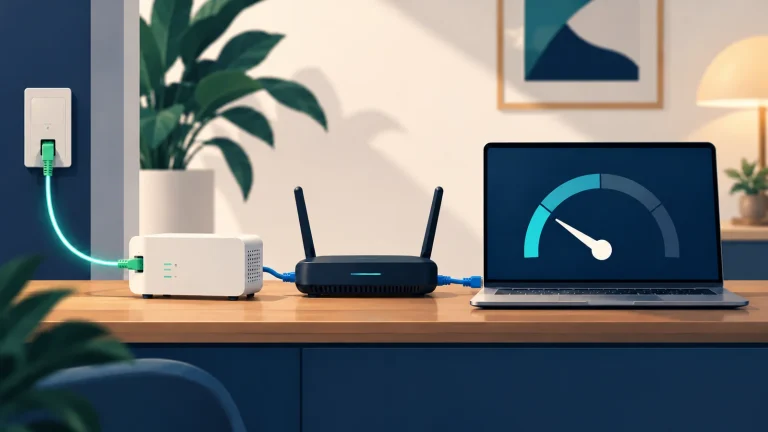
A Wi-Fi 7 router cannot turn a Wi-Fi 5 laptop into a Wi-Fi 7 client. Both the access point and the client need to support a feature before you can benefit from it, as Cisco notes in its Wi-Fi guidance. For wired devices, the router’s Ethernet ports, the computer’s port and the cable matter too. On a fibre plan above 1 Gbps, that wired chain can become the bottleneck before Wi-Fi does; see our guide to real-world 2.5 Gbps fibre speeds.
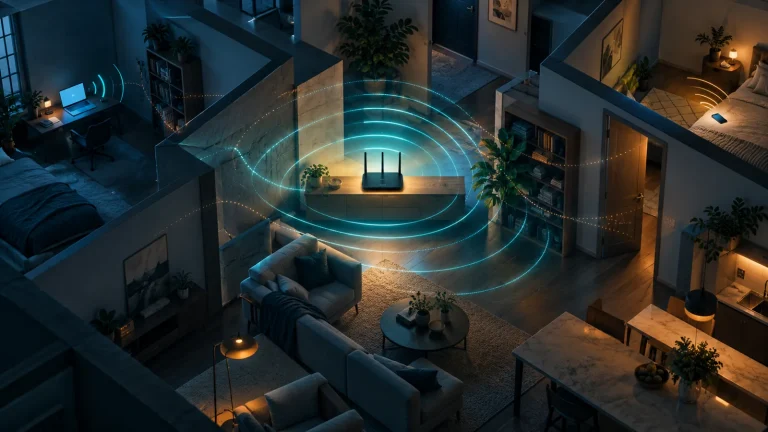
Room layout matters as well. Distance, walls, interference and client antennas all affect a link. More spectrum can help, but it does not replace good router placement. MLO can combine or move traffic between compatible links; it cannot remove an Internet-plan bottleneck or guarantee a noticeable speed increase.
When should you move to 6E or Wi-Fi 7?
- Keep your current router if coverage is good and everyday tasks work well. A new standard may make little difference to the devices you already own.
- Consider Wi-Fi 6 if your router is old and you want a current foundation for many clients without paying for 6 GHz features.
- Consider Wi-Fi 6E if you own 6E devices, your local network is crowded and you want to use 6 GHz near the router. Check coverage in the rooms that matter to you.
- Consider Wi-Fi 7 if your main devices support it, you often move large files locally or you have latency-sensitive uses. Check multi-gigabit WAN/LAN ports and the security modes your devices require.
Before buying, check the supported bands, which features are actually present, Ethernet port speeds and mesh compatibility. If the only problem is one distant room, moving the router or adding a wired access point may help more than switching to the newest generation.
The short answer
Wi-Fi 6E adds 6 GHz to Wi-Fi 6; Wi-Fi 7 adds new options, but they need compatible clients, suitable radio conditions and a wired network that can keep up. Upgrade when you can name the limit you want to fix, not just because the packaging shows a larger number.
Comments
Comments
Join the discussion respectfully: reasoned criticism is welcome; avoid threats, abuse, personal data and promotional links.
To join the discussion, you'll need to sign in with your WordPress.com account. This feature will be available when the site launches.