

An AI agent connected to files or a browser can search, summarise documents and, if its tools allow it, change files or take actions online. The key difference is not just which model it uses, but which tools and permissions it has been given. Before assigning a task, check whether it can only read or can also write, delete or send something.
What changes between a chat and an agent?
A conventional chat generates a response from the text it receives. An agent can also call tools: for example, open a file, search a page, extract information or create a document. These abilities depend on the application and the permissions granted; the word “agent” does not automatically mean full access to your computer or the internet.
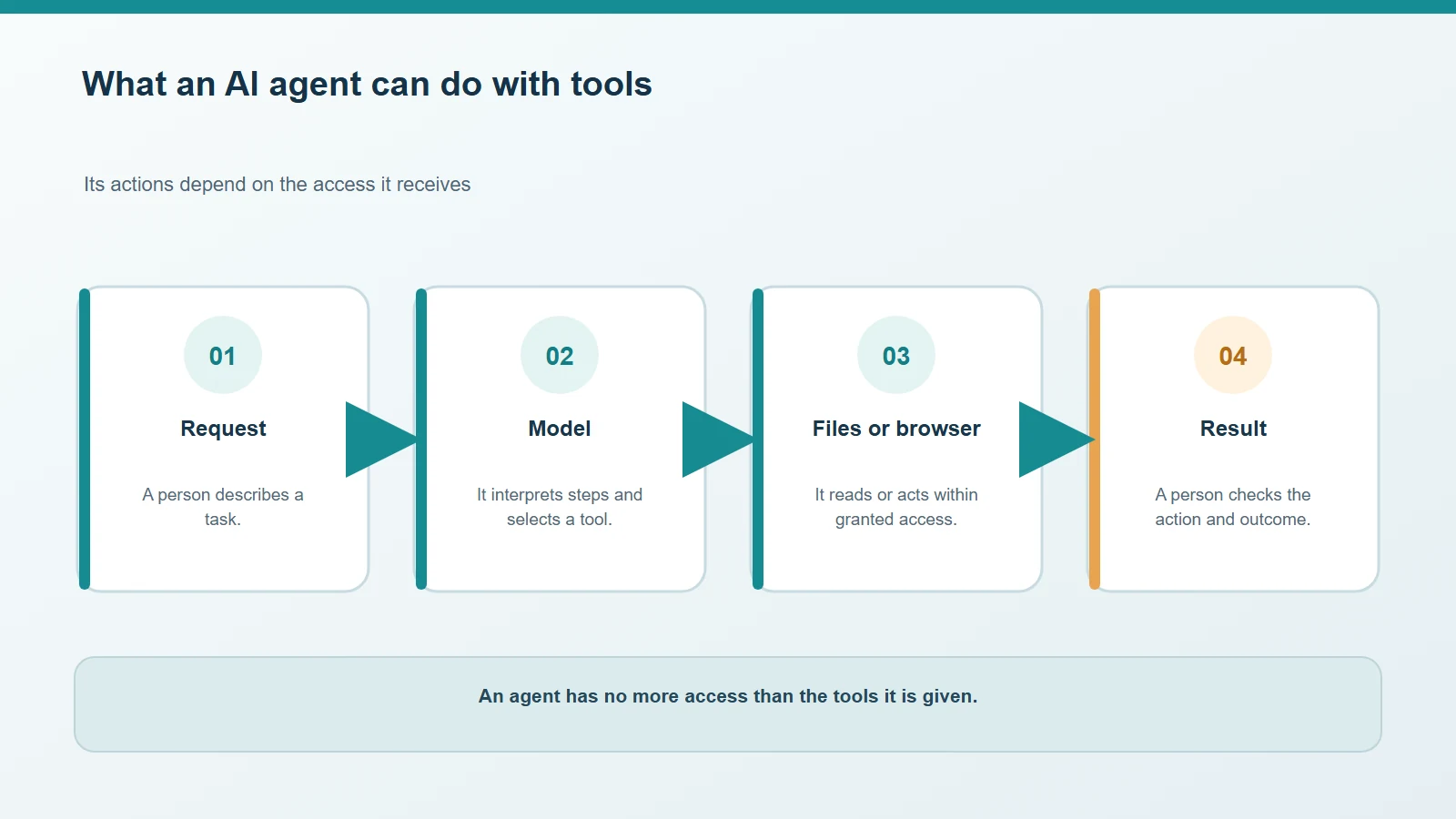
The model can use only the tools the application makes available to it.
If it needs to summarise a folder, read-only access may be enough. If it can also write, rename or delete files, a model or integration error can have wider consequences. OWASP’s “Excessive Agency” risk covers functionality, permissions or autonomy beyond what a task requires. OWASP — Excessive Agency.
Why can a web page or document influence an agent?
When an agent reads a page or file, it encounters content written by someone else. That content might include hostile or misleading instructions aimed at the model. OWASP calls it “indirect prompt injection” when a model accepts input from external sources such as websites or files. Text does not become trustworthy simply because it has entered the agent’s context. OWASP — Prompt Injection.
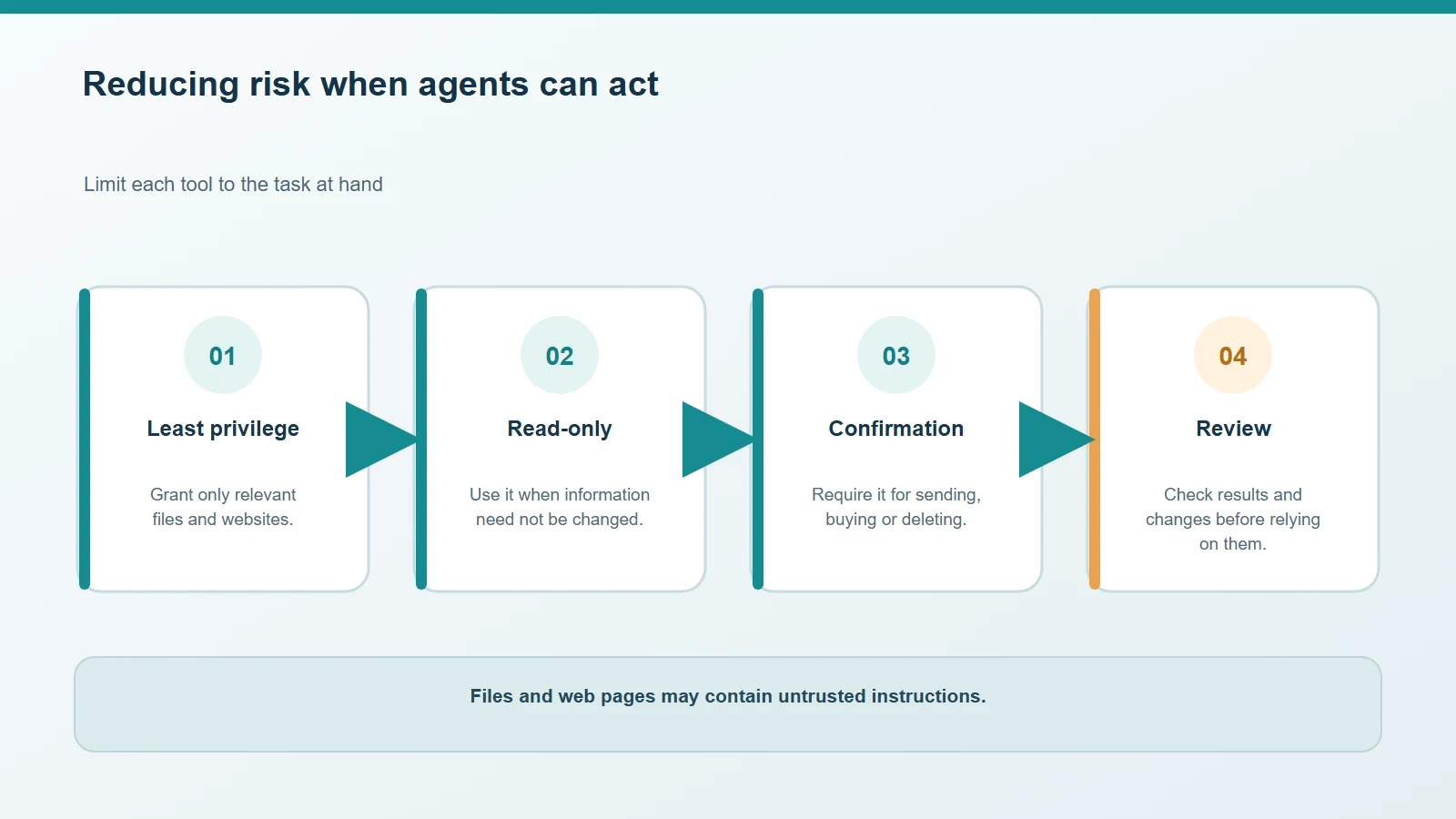
A document can provide information, but it should not be able to expand the agent’s powers by itself.
This does not mean every document is dangerous. It means external content should not be able to authorise an action the user did not request. Before giving an agent access to email, personal files or accounts, also check how the application handles data and which integrations remain enabled.
Four practical limits
- Grant only the access needed. For summaries, prefer a specific folder and read-only access; avoid exposing the whole drive.
- Limit available actions. If sending, publishing or deleting is unnecessary, turn those tools off.
- Require confirmation for consequential actions. Sending a message, overwriting a document or uploading a file should involve human review.
- Check the result and its sources. A fluent summary can still contain errors; check original passages before relying on important information.
OWASP recommends limiting permissions to what is necessary and requiring human approval for high-impact actions. No single switch makes an agent infallible: these limits reduce what can happen if it misreads a request or external content. OWASP — Excessive Agency.
To consider where a model processes documents, see our comparison of local AI and cloud services. The model’s location alone does not replace checking the application’s permissions.



Comments
Comments
Join the discussion respectfully: reasoned criticism is welcome; avoid threats, abuse, personal data and promotional links.
To join the discussion, you'll need to sign in with your WordPress.com account. This feature will be available when the site launches.