
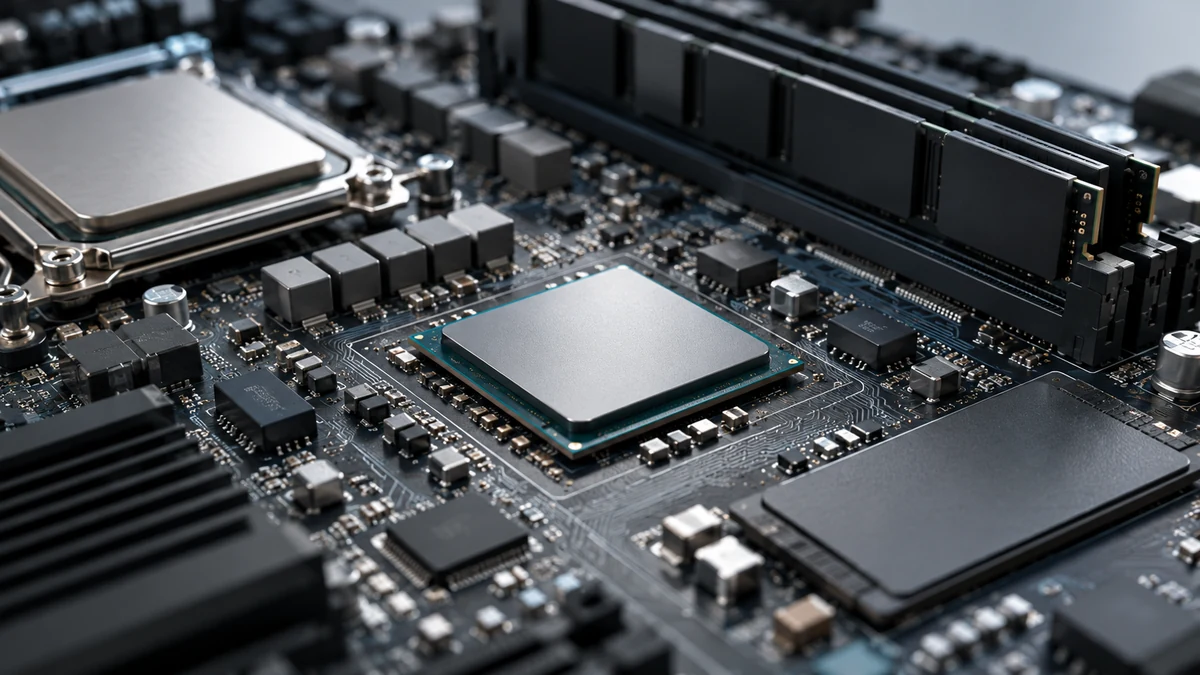
An NPU is only one part of an AI PC
An NPU is a processor specialised for some machine-learning calculations. TOPS describes a theoretical number of operations per second, but it does not tell you how useful or fast a PC will be with a particular app. Software support, the model, numerical precision, memory, power use and measurements on the actual workload matter too.
What an NPU does
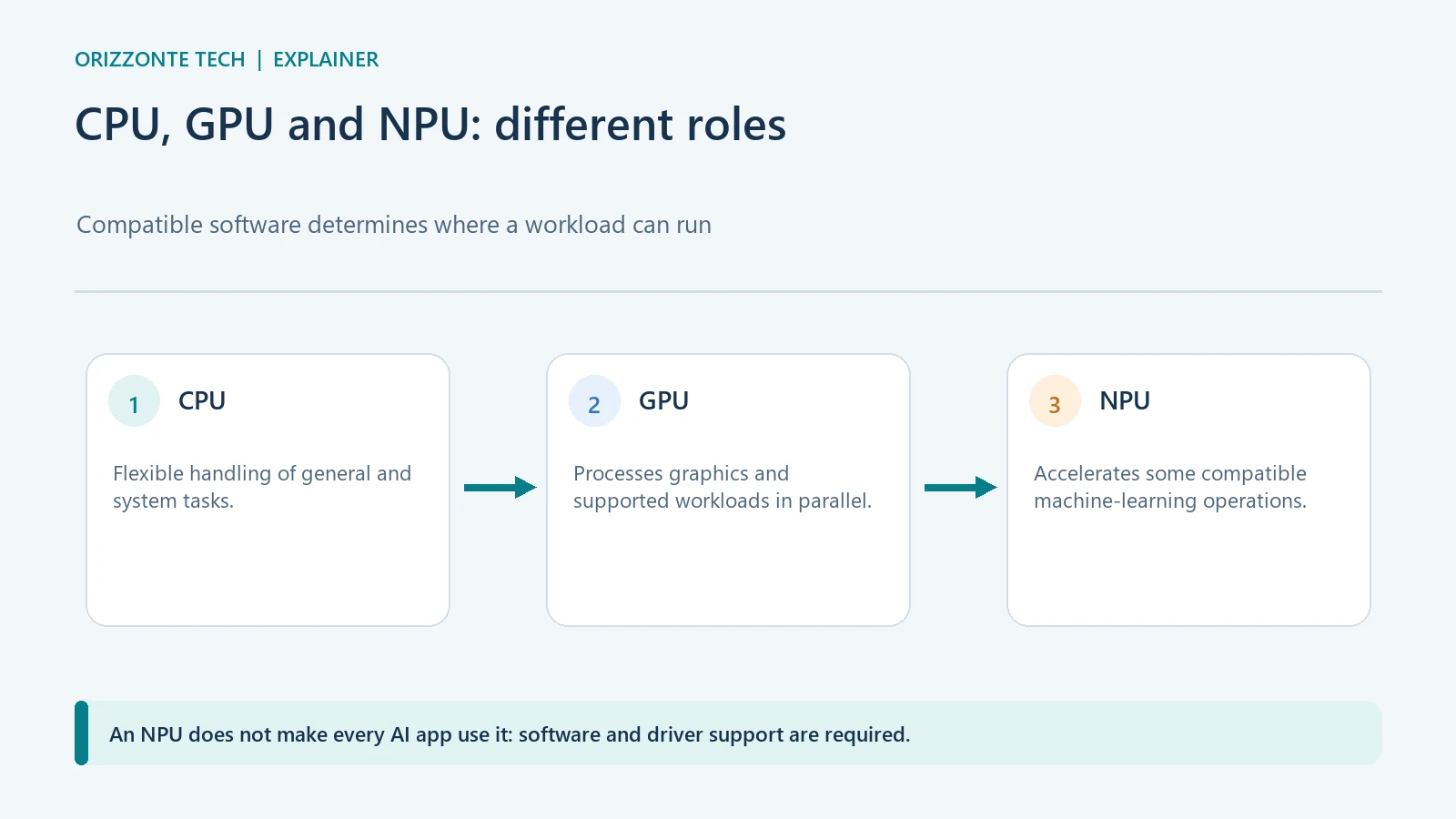
A computer can distribute work across its CPU, GPU and NPU. A CPU is flexible and handles many general tasks; a GPU runs large numbers of calculations in parallel; an NPU is designed to accelerate some operations used by AI models with attention to efficiency. These are simplified descriptions: actual results depend on the chip, drivers and software.
Having an NPU does not make every app use it automatically. Microsoft says software must be designed to take advantage of it, and compatible Windows workloads can be routed to suitable hardware. An AI feature may therefore use an NPU, GPU, CPU or cloud service depending on the product and implementation.
What TOPS measures
TOPS means “trillions of operations per second”. A chip’s published figure describes a theoretical maximum under particular computing conditions. It is not the quality of a model’s answers and is not a universal benchmark.
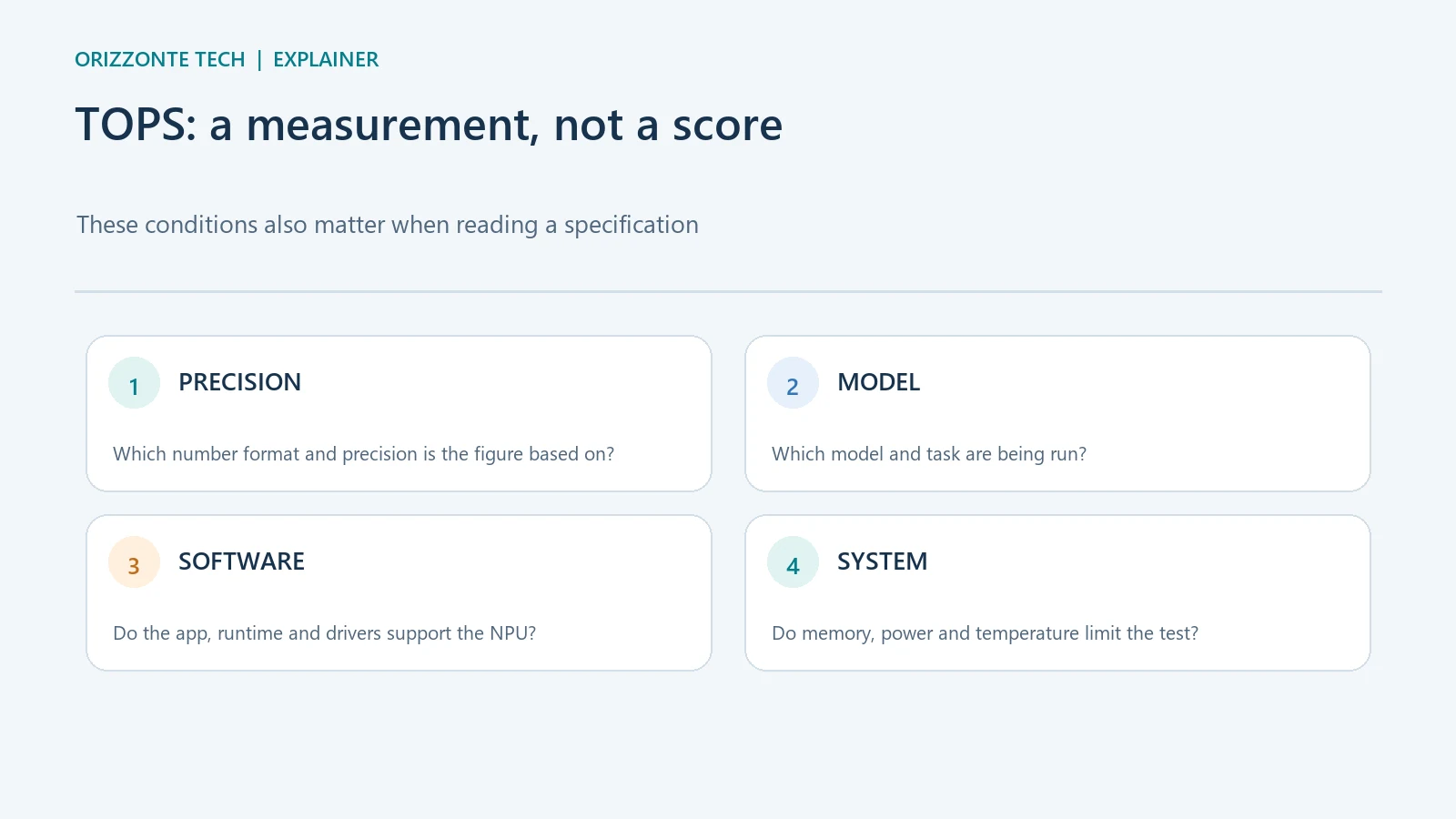
To compare figures from different vendors, you need to know which unit is being measured, at what numerical precision and on which part of the chip. The software that maps a model to an NPU can also make a substantial difference. If an app does not support the accelerator, or the model does not fit in memory, the specification figure says little about that task.
Microsoft says many Windows features in the Copilot+ PC category require an NPU capable of at least 40 TOPS. That is a requirement for that class of features, not a universal threshold for every product called an “AI PC” and not a guarantee that every feature will work in the same way on every computer.
How to choose without relying on one number
Start with the application you want to use. Check the feature’s current official requirements, supported models and formats, language and regional availability, and any Windows requirements. Then compare battery life, memory, storage, noise and compatibility with the apps you actually need.
When reliable tests are available, compare the same model, software and type of task. A latency measurement, processing time or power use during a concrete workload is more useful than TOPS alone, provided the method and device are disclosed. A manufacturer’s own results remain manufacturer measurements; they should not be presented as independent evidence.
A practical takeaway
An NPU can help with supported on-device workloads, but it does not certify AI quality, speed or privacy. TOPS is one technical clue to interpret alongside the model and software. If a particular feature matters to you, check its current requirements and look for a comparable measurement instead of choosing a computer by the largest number.
Sources
- Microsoft Learn — Copilot+ PC and NPU developer guide — requirements and software support; Microsoft notes that software must target the NPU.
- Microsoft Learn — compare Windows AI solutions — distinguishes supported APIs and hardware paths.
- Microsoft Learn — supported hardware for Windows AI APIs — lists feature and device compatibility.
Sources checked on 29 October 2026. No PC benchmarks or tests were performed for this article; the inline images are editorial diagrams.



Comments
Comments
Join the discussion respectfully: reasoned criticism is welcome; avoid threats, abuse, personal data and promotional links.
To join the discussion, you'll need to sign in with your WordPress.com account. This feature will be available when the site launches.