
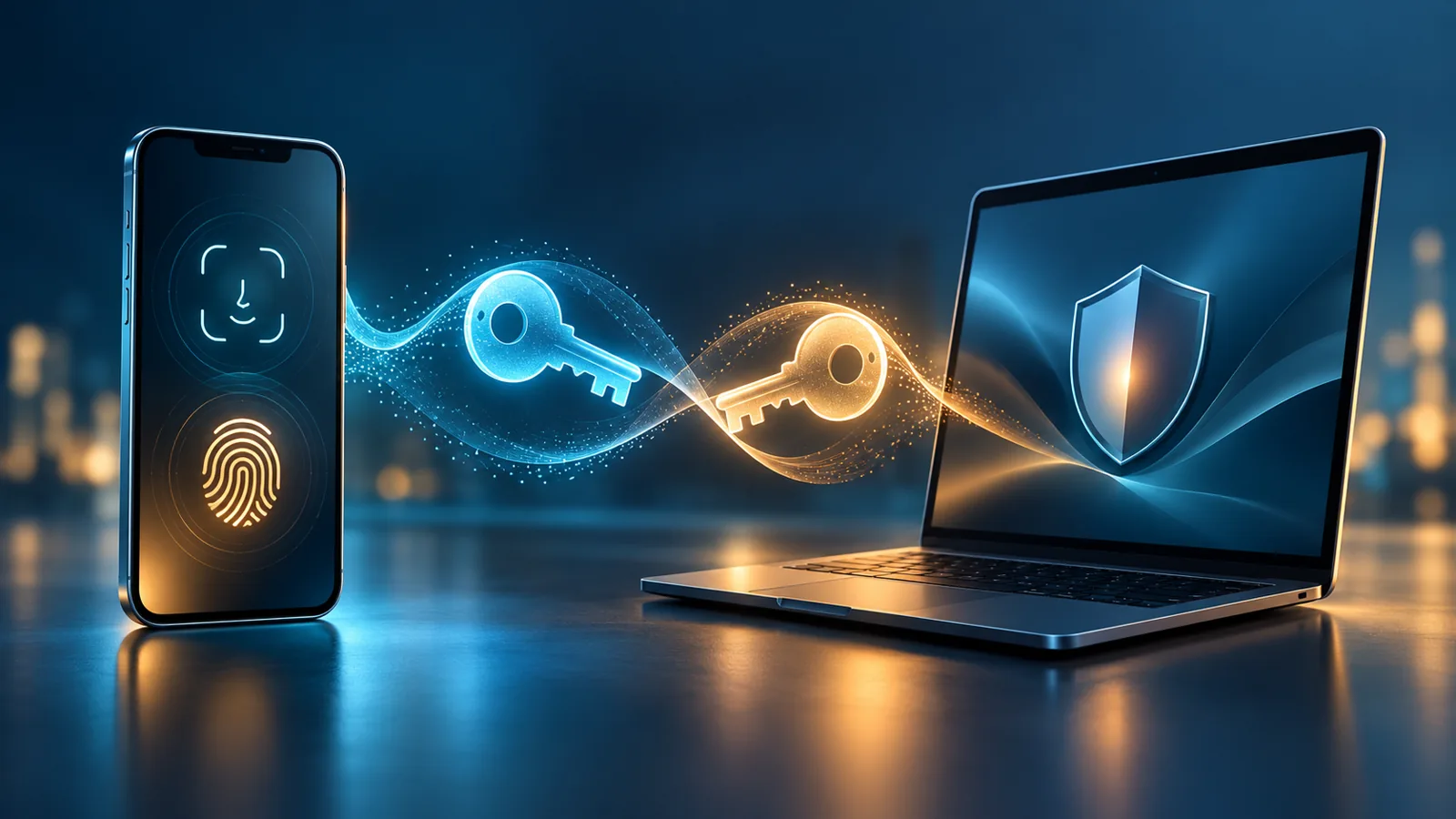
A passkey lets you sign in without typing a password. Your device uses a cryptographic credential and unlocks it with the method you already use, such as a PIN, fingerprint or face recognition. The private key is not sent to the website. Passkeys offer strong protection against many phishing pages, but it is still important to know where yours is stored and how to recover your account if a device is lost.
What happens when you sign in
When you create a passkey, the service stores the public part of a key pair. The private part remains under the control of your device or credential manager. During sign-in, the website sends an authentication request; your device signs it, and the service checks that signature with the public key. FIDO Alliance describes passkeys as public-key credentials designed for phishing-resistant sign-in. FIDO’s passkey overview.
A fingerprint or face scan unlocks the device and authorizes use of the credential; the website does not receive your face image or fingerprint. On a computer without a biometric sensor, the operating system may ask for a PIN or the configured unlock method. Screens and option names vary across Android, iOS, Windows, browsers and password managers.
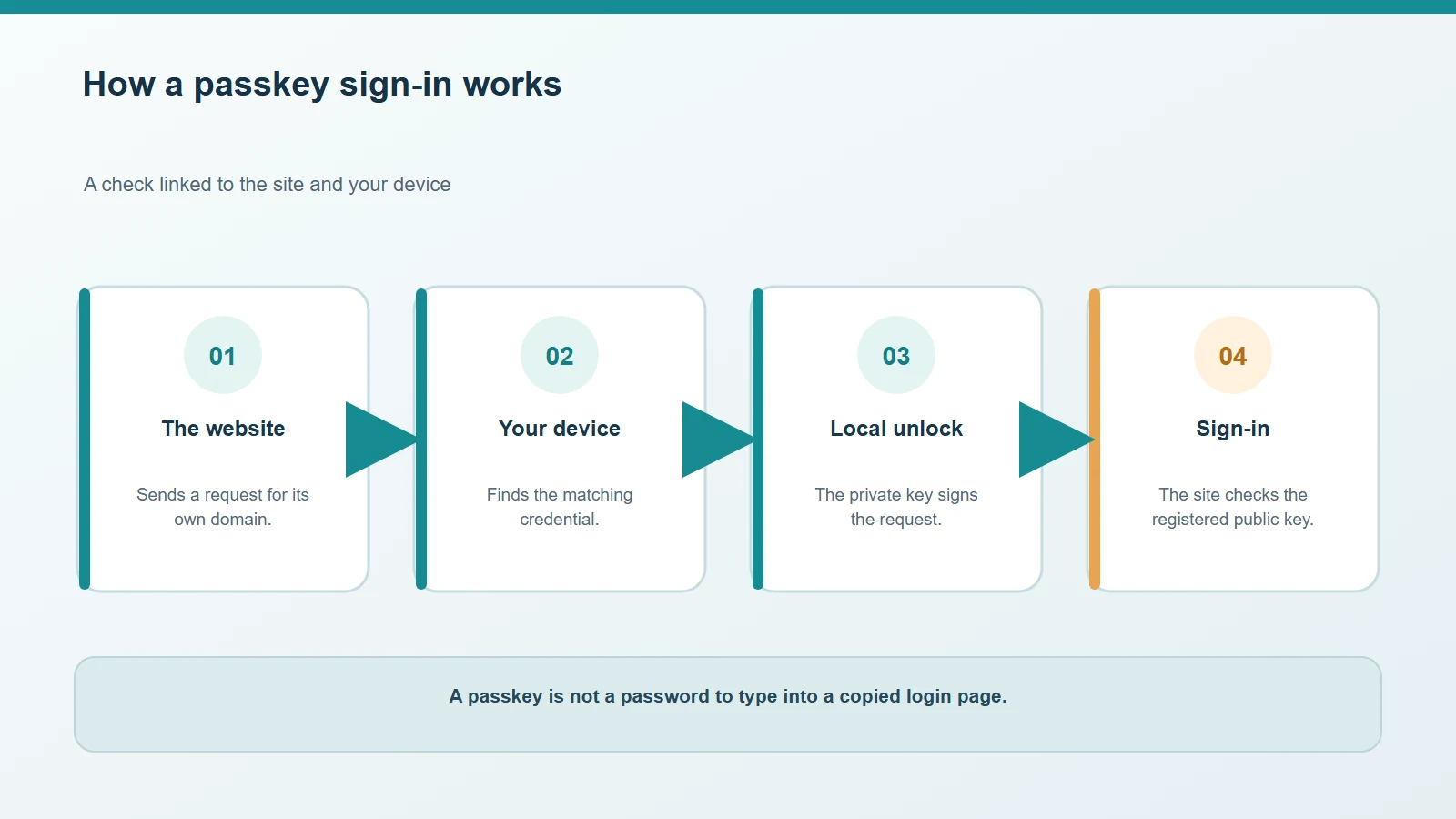
The device signs the request and the service verifies the registered public key.
Synced and device-bound passkeys
Many passkeys are synced by a platform credential manager or a compatible app, making them available across devices connected to the same account. Other credentials are bound to one device or a physical security key. Recovery therefore depends on the service, manager and settings you use: “passkey” does not always mean that a copy is automatically available on every device.
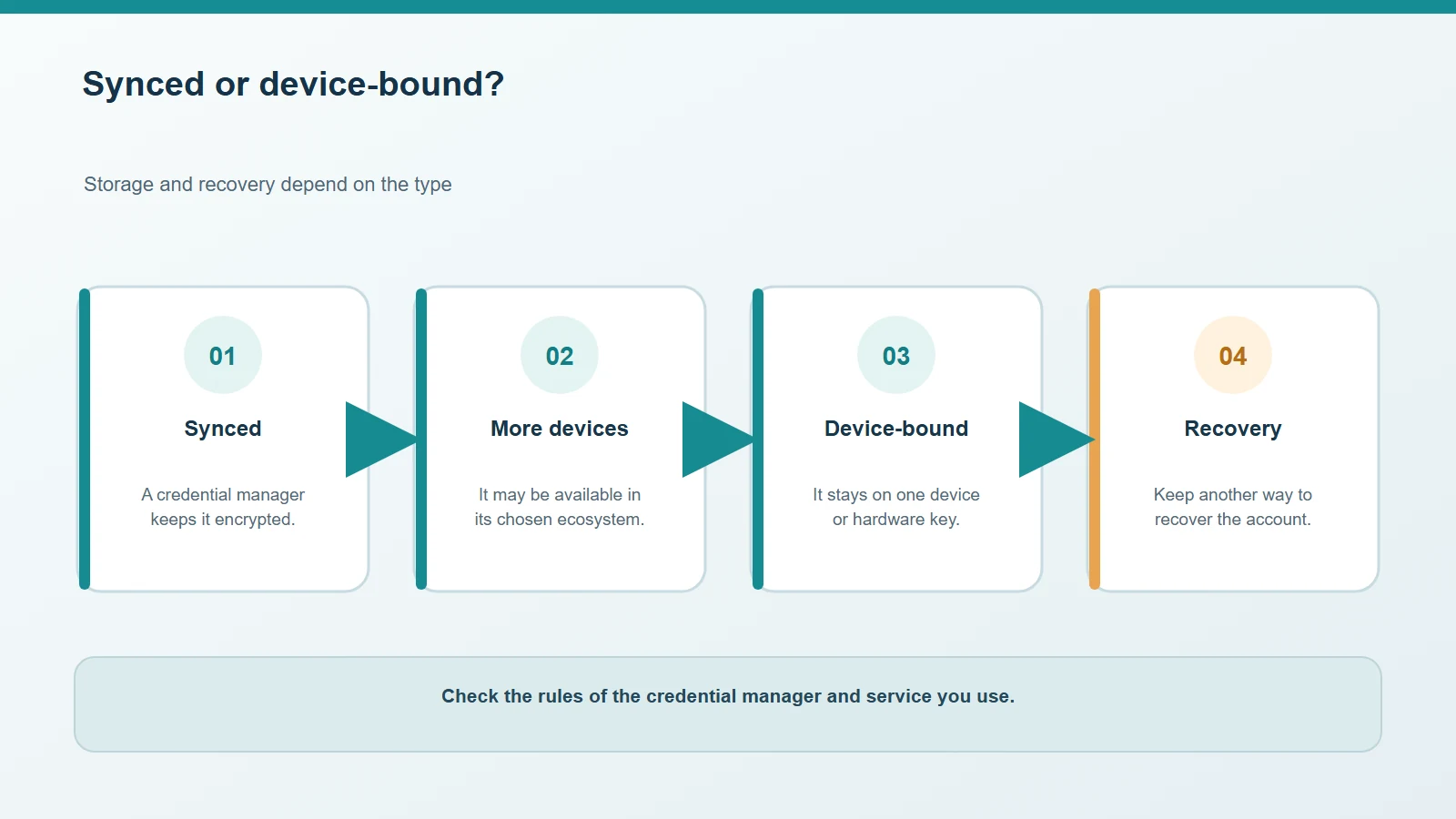
Synced and device-bound passkeys have different recovery paths.
Why they resist phishing, and what risks remain
A passkey is associated with the service for which it was created. A fake site at a different address generally cannot reuse it like a password copied by a user. This reduces exposure to counterfeit sign-in pages and stolen, reused credentials.
It does not make an account invulnerable. An unlocked or compromised device, a stolen authenticated session, weak account recovery or social engineering can still cause trouble. Protect the account that syncs your passkeys and the device unlock method; do not share PINs or recovery codes.
Set one up without locking yourself out
In a service’s security settings, check whether passkeys are supported and which manager will store the credential. Create it on a device you control, and verify the account and provider shown on screen. Before removing a password or another sign-in method, test access from a second device or add a compatible recovery credential.
If your phone is lost, use the provider’s official tools to lock it or remove it from your account, and review active sessions. If the passkey was synced, using it on a new device depends on access to the manager and its recovery process. If it was bound to the lost phone, you will need an alternative method that you set up earlier. Google and Microsoft explain their requirements in their respective guides: Google Account and Windows.
A passkey can make everyday sign-in easier, but recovery is part of the security plan. For help organising credentials and recovery access, read our password manager guide and our computer security guide.

Comments
Comments
Join the discussion respectfully: reasoned criticism is welcome; avoid threats, abuse, personal data and promotional links.
To join the discussion, you'll need to sign in with your WordPress.com account. This feature will be available when the site launches.