
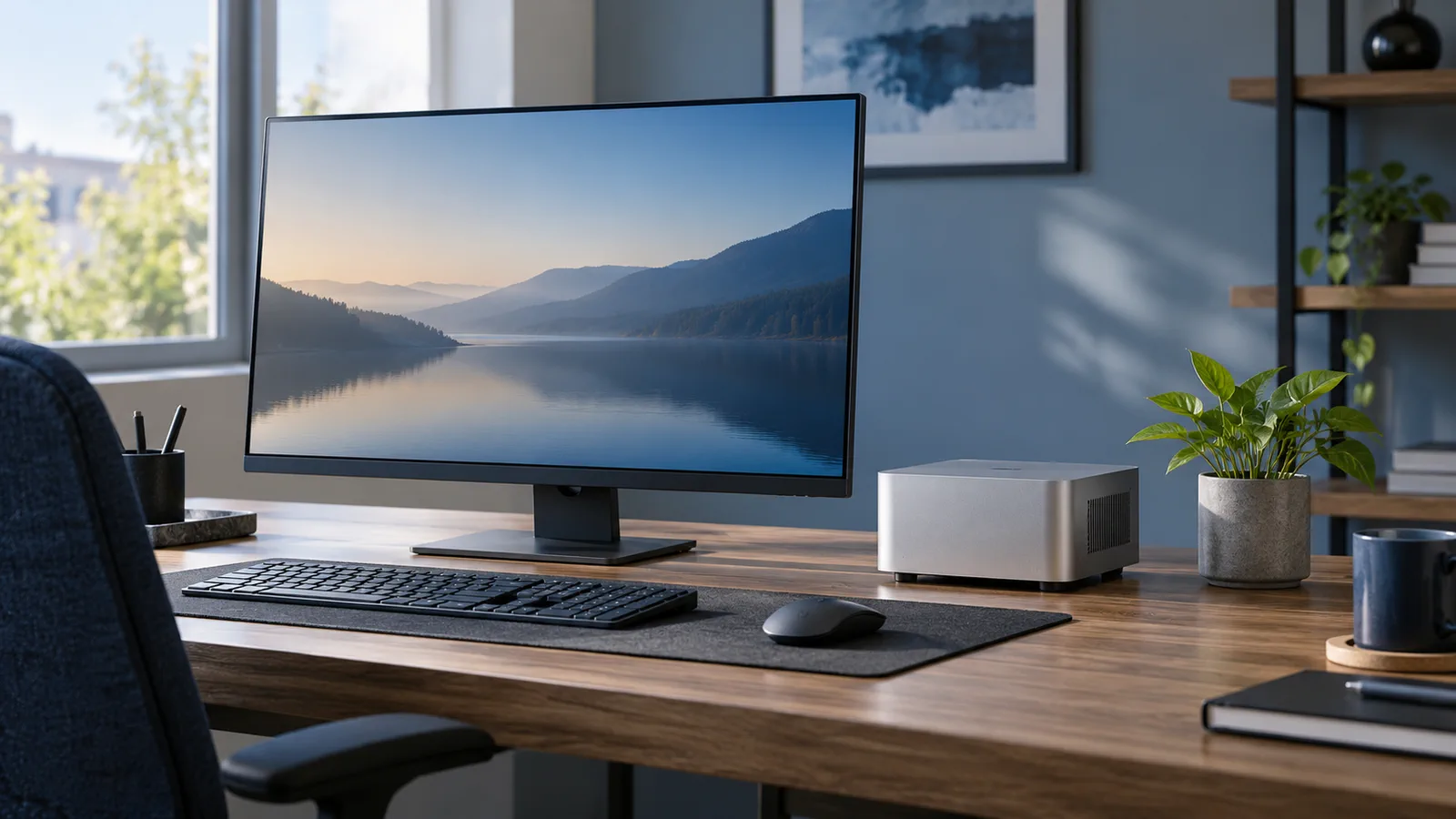
A mini PC can handle an everyday desktop workload without taking over your desk. For documents, browsing, video calls and streaming, a well-chosen model can be more than enough. The compact case does not tell you how fast it is, though. The processor, memory, graphics, cooling and upgrade options all matter.
What is inside a mini PC?
It is a complete computer in a small enclosure. Most models include a processor, integrated graphics, memory, storage, networking and ports; you add a display, keyboard and mouse. Some use laptop-style components, while others are designed around a more desktop-like compact layout.
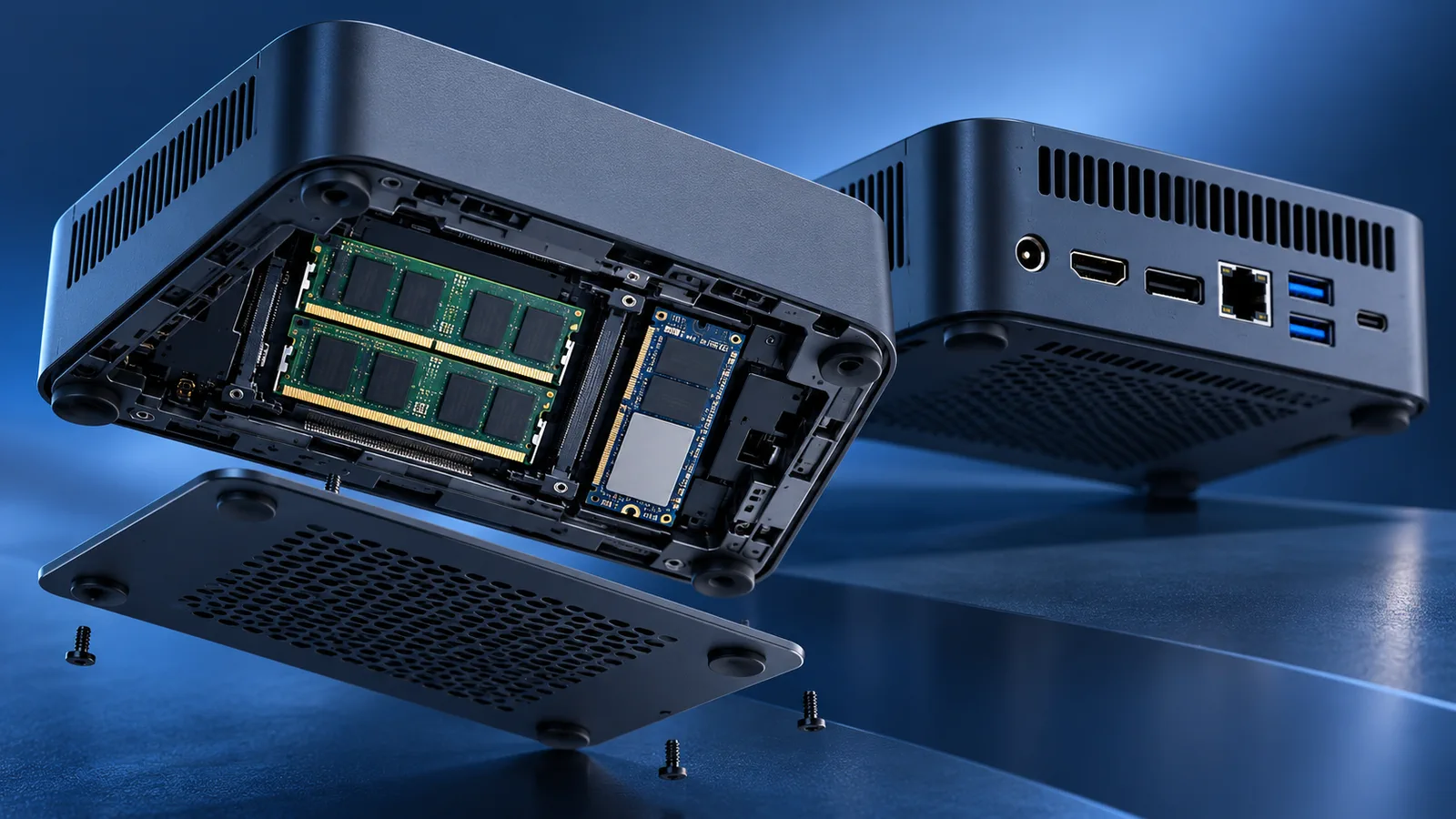
The Minisforum UM890 Pro is one real example. Its maker lists an AMD Ryzen 9 8945HS, integrated Radeon 780M graphics, two SODIMM memory slots and two M.2 bays. That gives it more upgrade flexibility than many entry-level mini PCs, but manufacturer specifications are not an independent test and do not guarantee sustained performance in every task. Manufacturer specifications.
AMD lists eight cores, sixteen threads and a 45 W default TDP for the Ryzen 9 8945HS, with a configurable range of 35–54 W. TDP is a processor specification. It is not the power draw of the whole computer at the wall, and it cannot replace a measurement of the complete system. AMD specifications.
Everyday work and entertainment
Office work, online classes, browsing with many tabs, streaming and general productivity are well within the reach of many mid-range models. A recent processor, 16 GB of RAM or more, and an SSD make multitasking easier. For demanding software, check its requirements rather than relying on a processor’s marketing name alone.
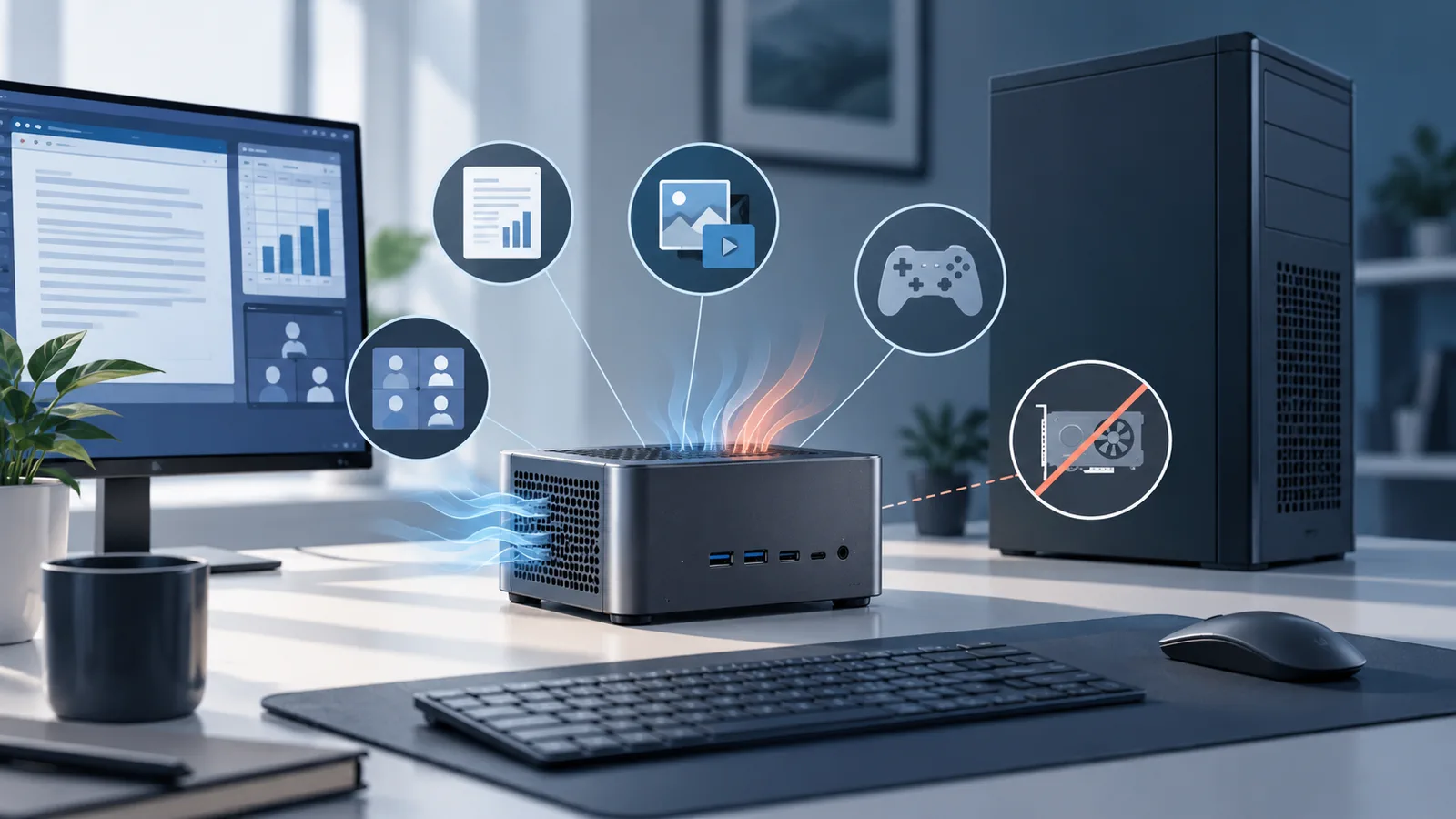
A mini PC can also work as a living-room computer, a second machine or a small home server. Network ports, video outputs and USB connections matter as much as the CPU when you plan to connect multiple displays, drives or local-network equipment. For AI workloads, an NPU is only one part of the picture: a TOPS rating alone does not describe the user experience.
Where a tower desktop has an advantage
The main difference is space inside the case. A full-size desktop usually makes it easier to add a dedicated graphics card, install more drives and replace components. A mini PC may let you change the RAM and SSD, but its CPU and graphics are often integrated or soldered in place. Check the service manual for the exact model.
Cooling also matters. A powerful processor in a small enclosure has less room to move heat, so the manufacturer may use compact fans and set different thermal or power profiles. That does not mean every mini PC slows down in the same way. It means sustained performance, noise and temperature are worth checking in independent reviews of the precise model. We did not run benchmarks or noise tests for this article.
Power use: compare the whole computer
A smaller system may be designed for lower power use, but size alone cannot prove it. The display, power supply, workload and settings affect the result. A useful comparison measures both computers at the wall under the same conditions: idle, light work and a sustained workload. A processor’s rated watts or a power adapter’s maximum output is not a real-world power measurement.
A practical buying checklist
Start with the software you use. Check whether it needs 3D graphics, how much memory it recommends, whether the RAM and SSD can be replaced, and which ports you need. Look for tests of the exact model that include noise and sustained performance, then compare its price with a prebuilt tower desktop. A mini PC makes sense when its size and tested operating costs match your priorities; if you expect major upgrades or a dedicated GPU, a traditional case leaves more room.
Comments
Comments
Join the discussion respectfully: reasoned criticism is welcome; avoid threats, abuse, personal data and promotional links.
To join the discussion, you'll need to sign in with your WordPress.com account. This feature will be available when the site launches.